PowerOn Prov2.0

Your development toolkit for PowerOn, within Visual Studio Code.

Build, validate, and run PowerOns without leaving VS Code. PowerOn Pro v2 brings local diagnostics, interactive OnDemand execution, Remote Sym change review, and batch and report tools into your daily workflow.

Over 2,000 downloads on the VS Code Marketplace. Start free with one Symitar connection, or compare plans to explore Plus.
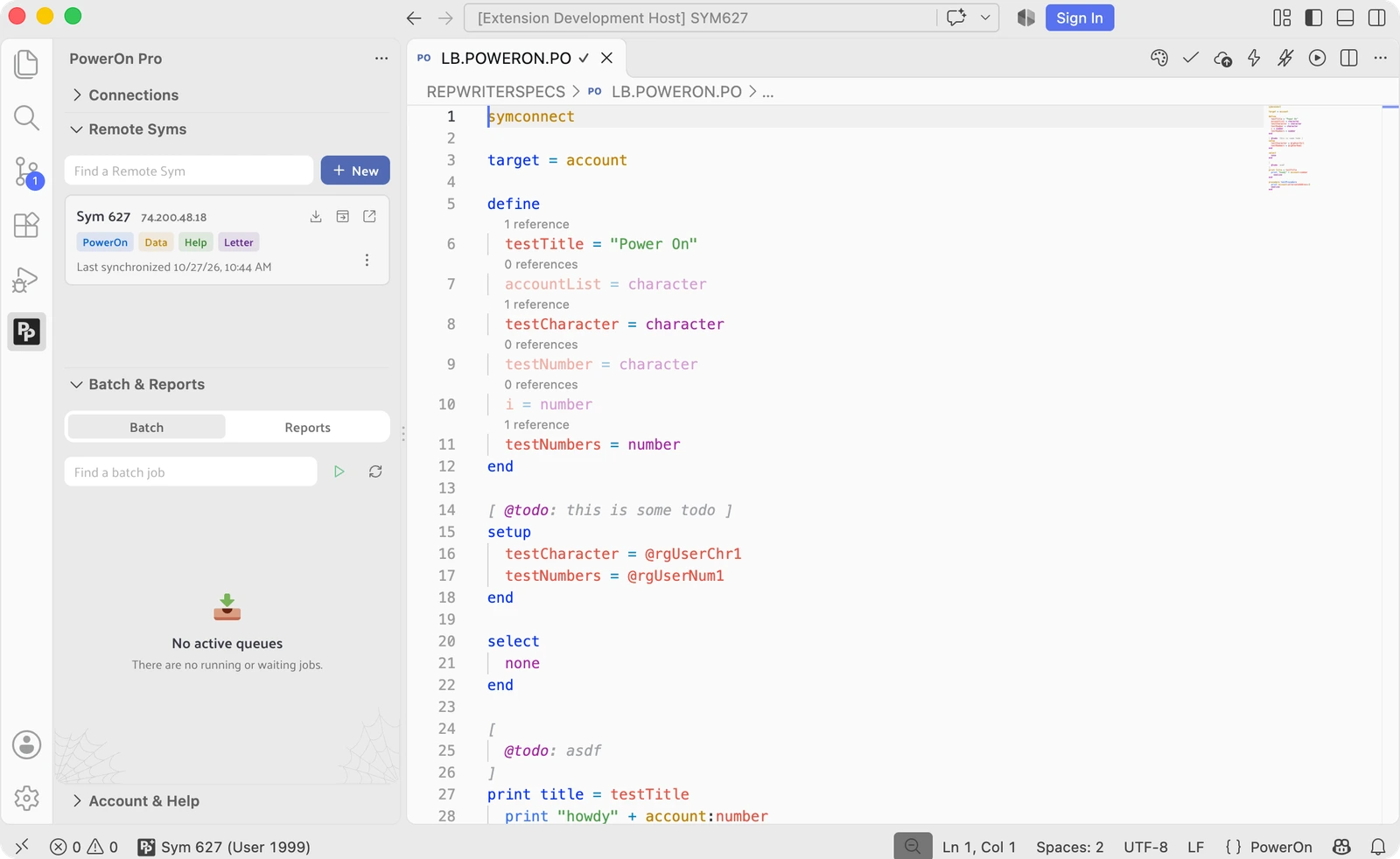
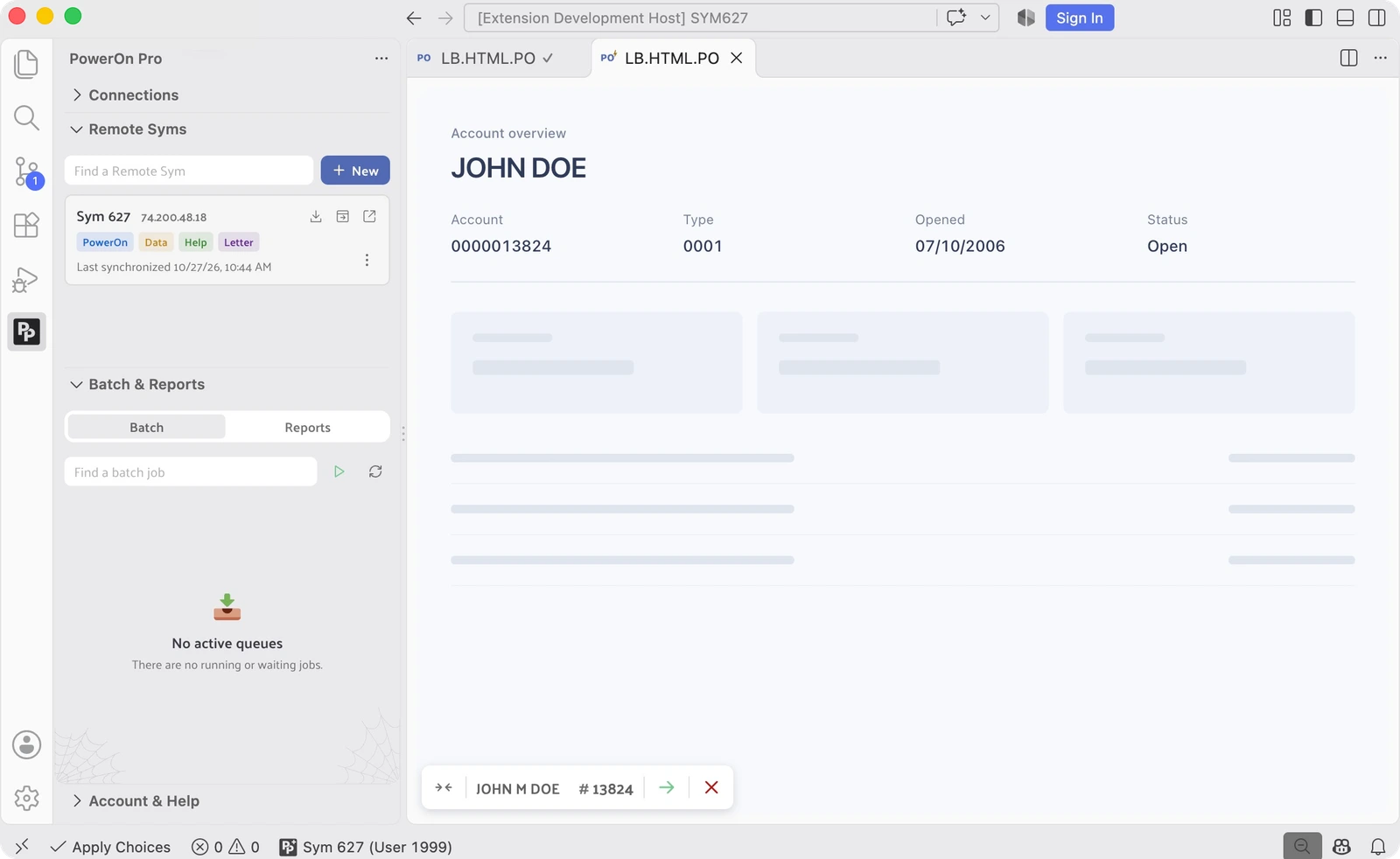
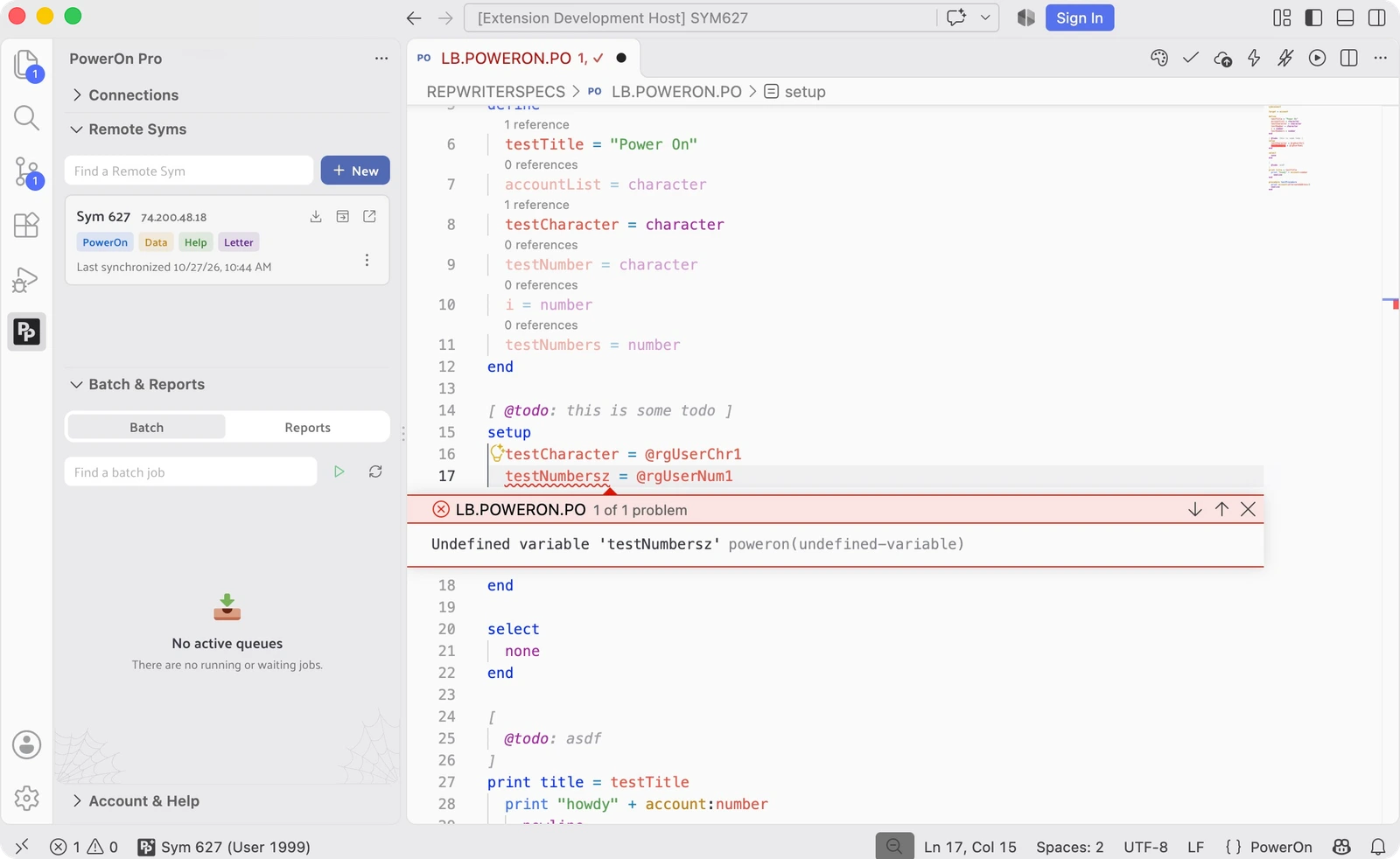
LB.POWERON.PO open in the SYM627 Remote Sym workspace with PowerOn syntax highlighting and reference counts
PX · Embedded HTML
Coming soon
Plus
Extended language support for embedded HTML. Coming in a follow-up minor release.
Job File Manager
Coming soon
Plus
Manage job files from VS Code. Coming in a follow-up minor release.
"Libum's development team knows their stuff. Even while the extension was in Alpha, most of the features they promised worked well and those that did not, the team addressed them right away.

This extension has saved me a lot of development time because of its ease of use and smooth integration with Symitar. It's very convenient as you can get away with not having to switch from VS Code to Symitar Quest and back again to troubleshoot your applications.

Did I mention, great technical support team?"

Louie Medina, Developer @ Citadel Credit Union

Use PowerOn Pro for free, or subscribe to next-level features

Features

PowerOn Pro
PowerOn Pro+
Symitar connections
1 connection
Syntax highlighting, completions, signatures, snippets, and eDocs hovers
Go to definition, find references, and rename
File icons and inline to-dos
On-host PowerOn validation, deployment, and installation
Auto-deploy include files
As-you-type local diagnostics and quick fixes
Reference CodeLens
PowerOn code formatting
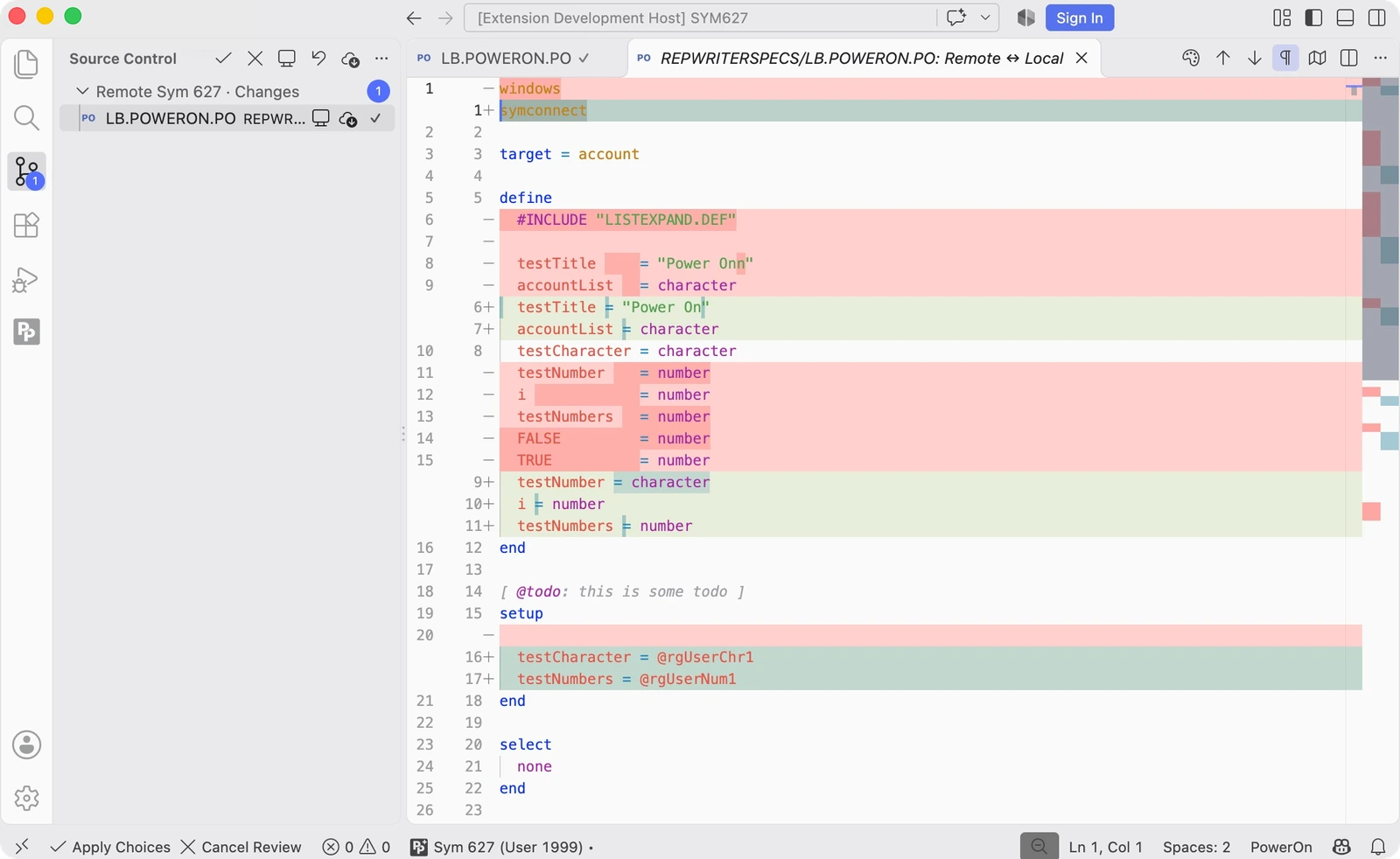
Remote Syms with Source Control change review
Clone Sym directories to a local workspace
Interactive OnDemand execution
Batch execution, queue cancellation, and termination requests
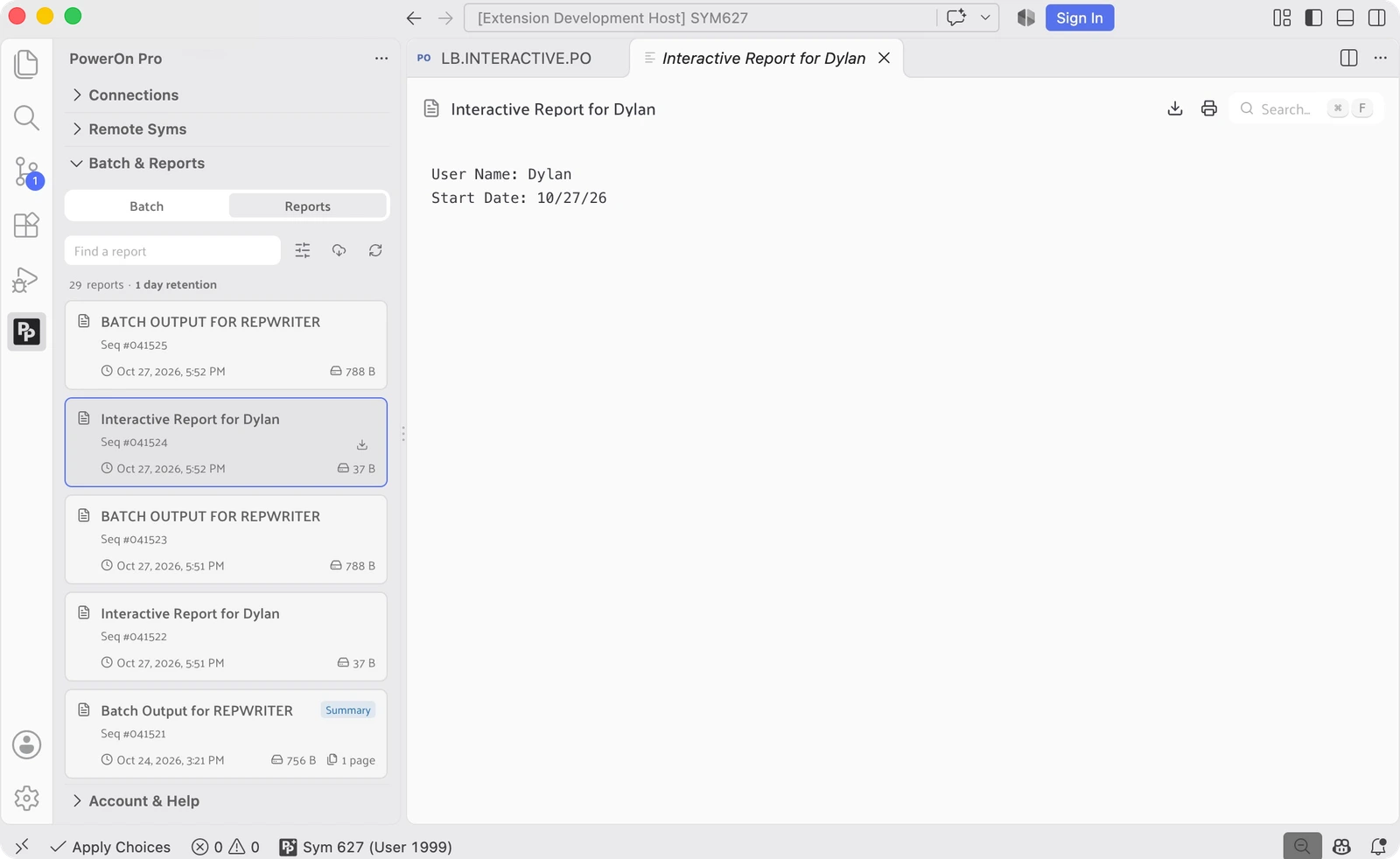
Reports: search, view, export, and print
PXEmbedded HTML
Coming soon
Job File Manager
Coming soon

FAQ

PowerOn Pro is a complete development toolkit for Symitar PowerOn that runs inside Visual Studio Code, pairing a full PowerOn language server with direct Symitar integration.
No. PowerOn Pro connects to Symitar directly, so you can write, validate, and troubleshoot PowerOn without leaving VS Code or switching back to Quest.
Free includes syntax highlighting, completions, signatures, eDocs hovers, definitions, references, and rename. Plus adds as-you-type local diagnostics, quick fixes, reference CodeLens, and formatting.
Yes. PowerOn Pro is free on the VS Code Marketplace, with core language tools and a single free connection on our ultrafast, stable Symitar connector. Validate, deploy, and install PowerOns on that connection. Plus adds additional connections and advanced development tools.
No. With Plus, PowerOn Pro analyzes your code as you type using a parser and Abstract Syntax Trees. Local diagnostics do not require on-host validation. You can still validate against your Sym to check host-specific behavior, including on the free plan.
Not at launch. PX, our extended PowerOn language support for embedded HTML, and Job File Manager are planned for quick follow-up minor releases for Plus subscribers.

Have a feature you'd like to see in PowerOn Pro?

Submit Your Idea